Communication impact
Coordinate shared and local messages across locations
A company-wide notice may belong on every staff screen, while opening hours or a shift message matter only in one place. Central, regional, and local teams need places to publish that reflect those different audiences.
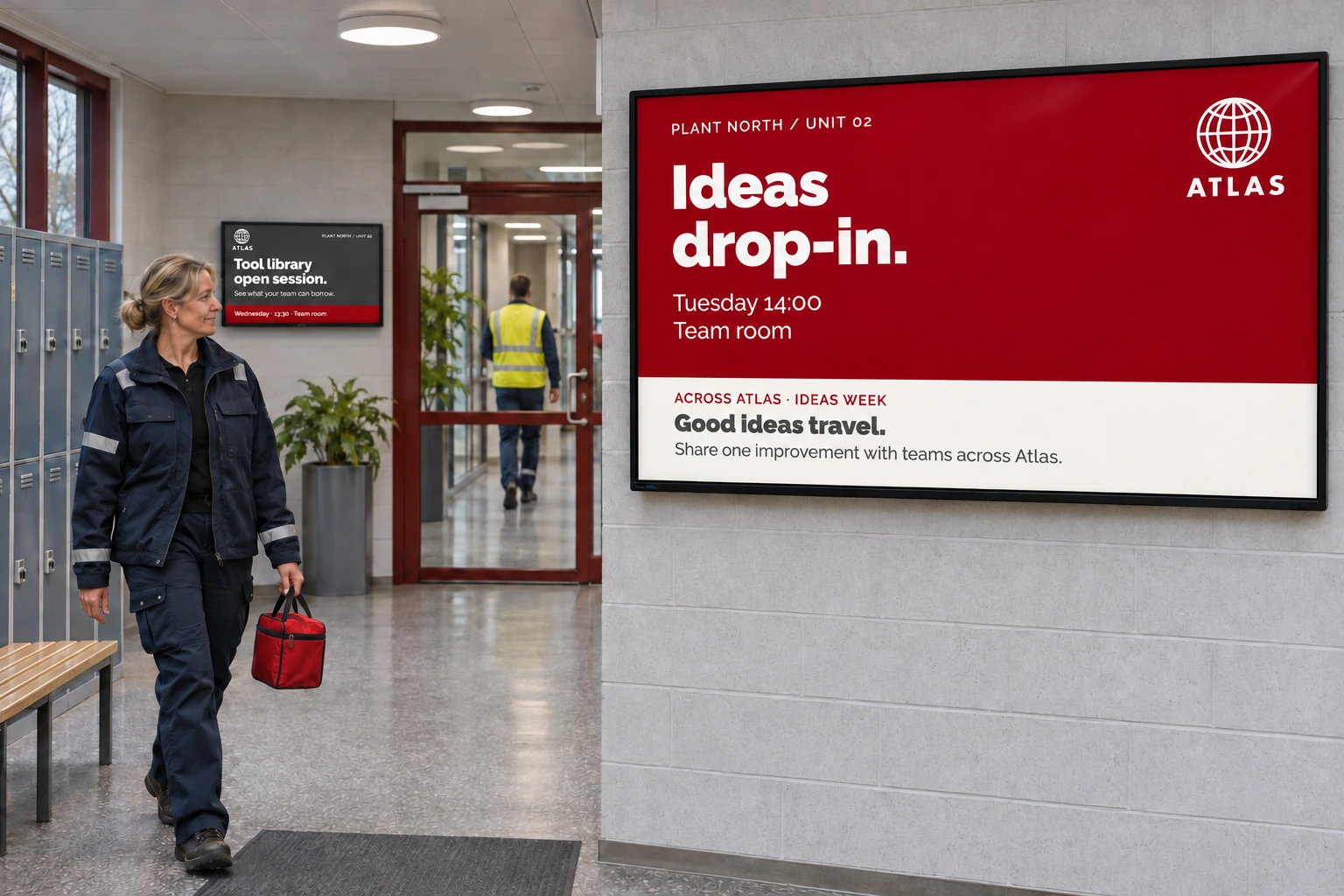
Consider an organization adding another production unit. The new screens should receive corporate news as well as the unit's own information. Rebuilding every shared booking's screen selection would make the installation easy to miss and create more work whenever another display joins. A common location structure gives new screens their usual content while leaving each team responsible for its own messages.
Separate the audience from the people who publish
A channel collects content for an audience or purpose. A booking puts a playlist on that channel with its schedule and targets. For the content to play, a screen must both receive the channel and match the booking's targets.
Central news and local notices can use different channels and bookings on the same screens. Either team can then update its part without replacing the other's work. A shared screen layout can display the channels together when both need to stay visible.
Either part can also be fetched dynamically instead of being rebuilt as new media for every update. Corporate news already published on the intranet, for example, can come from its RSS feed through an RSS data source connected to a news design. The design is booked once, and screens show new posts as the feed is refreshed. The Smartsign server fetches the feed, so it must be reachable from the internet, or from the server in an on-premise installation. Different offices can share the same news design with their own RSS sources; Turn business data into screen content explains that choice. When a local team maintains its notices in Publisher, a feed lets it add, schedule, or remove entries without changing the design or booking; see Update news and activity lists without rebuilding playlists.
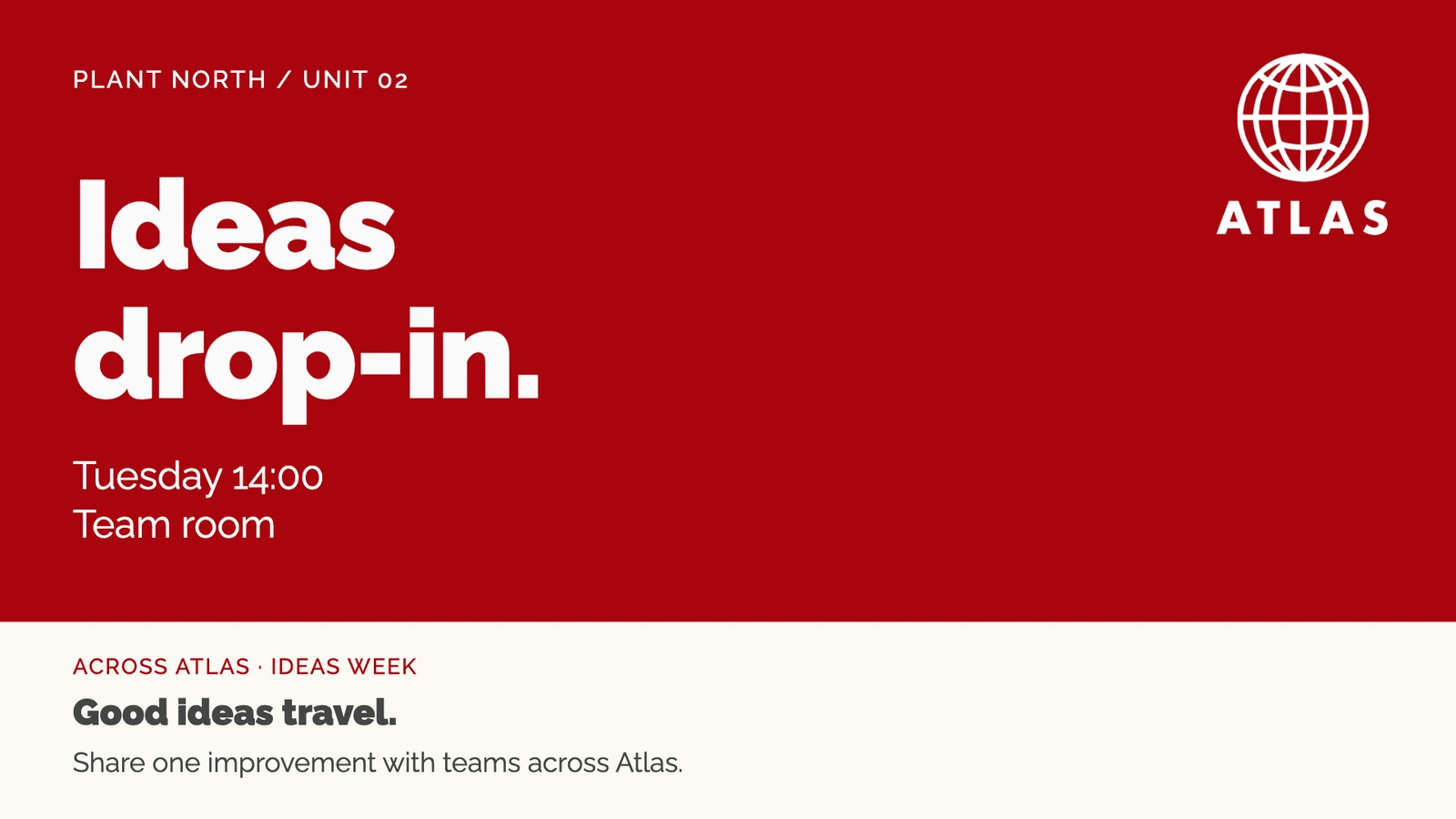
Access is a separate decision. Groups connect a team to resources, and user profiles define access type and permitted actions. A publisher needs both access to the resource and permission for the action. Assign those resources and actions together when preparing local publishing access.
Make the location's normal setup reusable
Give the production unit a screen folder. It can supply inherited channels, layout, active time, settings, and group access. Screens registered or moved into it can use those defaults; check individual overrides because they can stop a screen following a folder setting.
Within a shared site, the unit can also have a local channel, media folder, template access, and a group containing the screens, feeds, data sources, and other resources its team needs. The central team maintains shared news and corporate resources.
With Site Access and the required group and resource permissions, Create and connect resources can prepare a group's channel, screen folder, media folder, and template category together. Setting up groups and inviting users covers group creation and resource access. Use Configure screen folders to review the settings screens should inherit.
This approach works when units can share content, settings, and central administration. If they require fully isolated users, resources, settings, and administration, consider separate sites. Settle that boundary before installation.
Prepare the team as well as the screens
Assign profiles, group memberships, and any permitted direct access before inviting staff. Review pending invitations, then check the resulting access after acceptance. An eligible administrator can use Assume identity for an accepted user, subject to its separate permissions and account restrictions; see Users.
Setting up groups and inviting users provides the access steps. Test one central booking and one local booking on a virtual test screen or a limited pilot, alongside those access checks, before extending the arrangement.
The same division of responsibilities can support:
- Corporate brand, HR, or safety news alongside regional, office, and production-unit updates.
- Regional healthcare messages with ward-local notices.
- Store campaigns alongside local opening hours and operational information.
- Municipal or campus notices alongside school, library, service-office, and classroom announcements.
Communications teams, local managers, administrators, and installation partners can work from the same setup while choosing different information for each audience.
Keep shared resources understandable as you expand
Agree who may change each shared channel and resource. A local edit to shared content can affect other teams, and overlapping channels with unclear ownership make later review and support harder.
Keep folders for stable locations or responsibilities and make the tree easy to navigate. Tags and tag folders can select an audience across that tree without moving screens away from their normal settings. For an update to one location, use booking screen selection.
A channel's Content limits can enforce an agreed resolution or set of content types. Check existing booked media before changing a limit: items that no longer match are removed from that channel's player playlists. These shared decisions keep an expanding deployment manageable without making every location's content identical; other use cases explore the different information each location may need.